Courses
Hands-On Introduction to Kubernetes
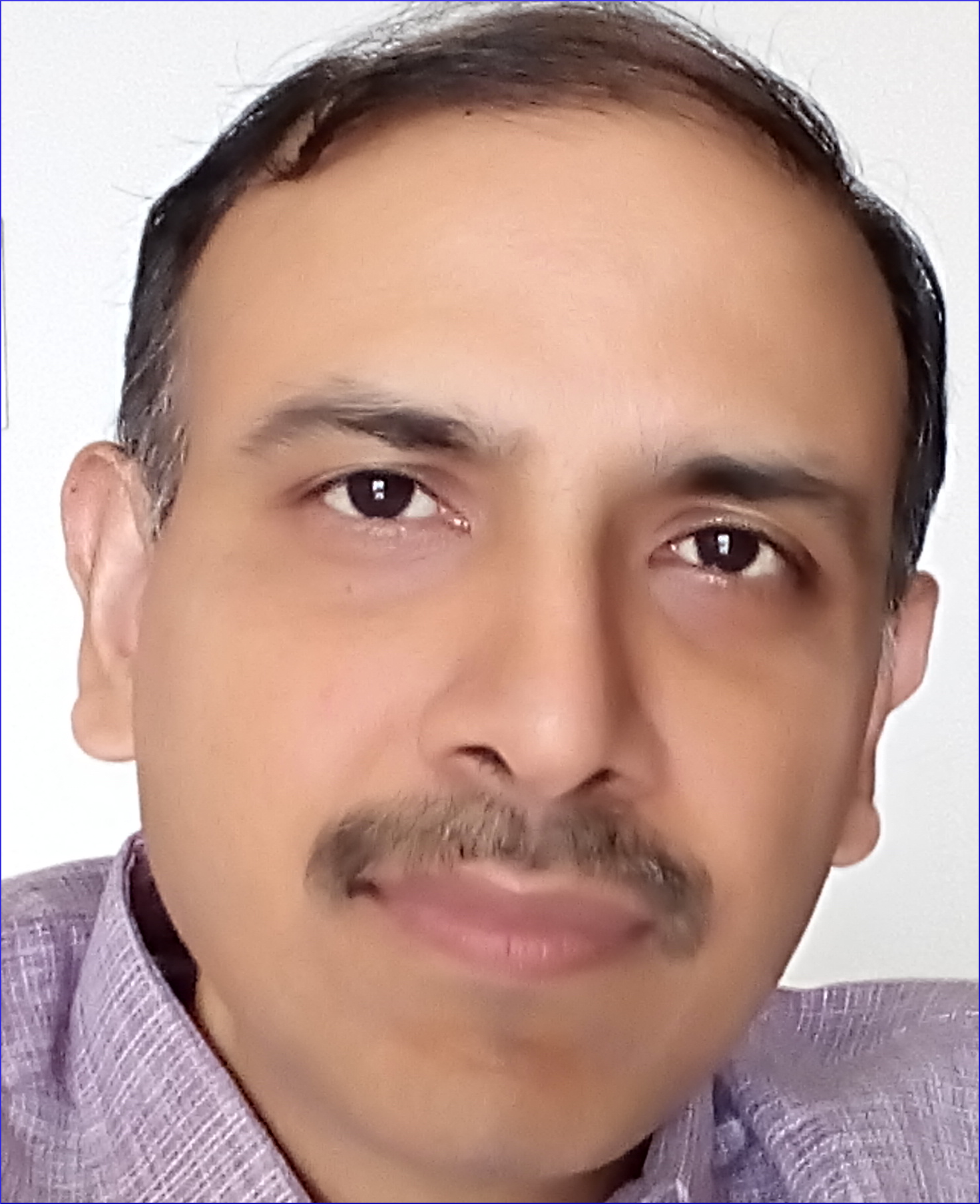
Shiv Bhagavatula
| Audience | Devops engineers, developers, managers getting started on their Kubernetes journey |
| Objectives | At the end of course, attendees will be able to prototype, debug their applications in Kubernetes, and evaluate tools, distributions in the Kubernetes ecosystem |
| Description | Provides an introduction to Kubernetes technology - architecture, components, and abstractions. Beginning with a kubeadm install, describes the internals - containers, networking, load balancing, packaging, install, auth, monitoring and debugging. All concepts are reinforced with hands-on exercises |
| Non-goals | Description of other installation tools, kubernetes distributions - cloud or on-prem - is not provided |
| Structure | The course is structured as 16 modules, and the estimated completion time is 32 hours |
| Infrastructure Requirements | Access to cloud-based VM(ubuntu 18.04) for each participant
|
Shiv Bhagavatula has more than 20 years experience in operating systems, networking and distributed systems development. As Principal Engineer in Netskope, he led the dataplane development of a cloud firewall service. He has also held several technical leadership and management positions in Cisco Systems, Juniper Networks and the Centre for Development of Telematics.
| # | Modules | Video # | Description |
| 1 | Containers | 4 Videos (31 mins) 6 exercises | The first step is to understand traditional virtualization. With the context set, we can see how namespaces and cgroups form the basis for container technology. Also, container runtimes are introduced. |
| 2 | Container Images | 2 Videos (24 mins) 4 exercises | Container images are different from normal machine images. This module shows how to build container images, and explores the internals of container images - image layers, overlayfs, and container filesystems. |
| 3 | Install | 1 Video (3 mins) 9 exercises | This module focuses on a kubernetes cluster install. |
| 4 | Basic Objects | 4 videos (36 mins) 4 exercises | Kubernetes objects or resources are the means by which the kubernetes functionality is available to cluster users. This module examines the basic objects such as pods, volumes, persistent volumes, and persistent volume claims. Also, pod networking is described. |
| 5 | Architecture | 4 videos (31 mins) 5 exercises | The architecture of the kubernetes cluster is described. The API server, etcd storage, and other components are examined. Also, design principles are enumerated. |
| 6 | Networking | 3 videos (27 mins) 5 exercises | Services are an important abstraction in kubernetes. This modules describes service, and service networking. Also working of DNS, CNI plugin, and calico plugin is explained. |
| 7 | Advanced Objects | 6 videos (49 mins) 7 exercises | The other kubernetes resources such as replicasets, deployments, daemonsets, stateful sets are described next. Also, probes, config maps and secrets are covered. |
| 8 | Application Deployment | 1 video (4 mins) 11 exercises | This module describes a django web application deployment to illustrate the use of the various kubernetes objects. |
| 9 | Ingress | 4 videos (33 mins) 5 exercises | There are different types of services which enable external traffic to ingress into the cluster. Nodeport, and load balancer services are examples. Also, resources such as ingress, ingress controller provide for proxy-like features. |
| 10 | Introduction to Helm | 4 videos (31 mins) 4 exercises | Helm is used to alleviate the complexity of kubernetes application deployment. This module provides an introduction to Helm, and provides enough information for students to install, use public helm charts, and resolve helm dependencies. |
| 11 | Authentication | 3 videos (21 mins) 7 exercises | We then turn our attention to how a cluster can authenticate different users. There are quite a few options here such as certificates, bearer tokens, and OpenID connect. |
| 12 | Authorisation, Admission Control | 3 videos (26 mins) 1 exercise | This module examines authorisation, and admission control. Authorisation provides for policies which determine the resources a subject can access. Admission control is another mechanism for enforcing organisation policies such as security, resource limits on cluster resources. |
| 13 | Network Programming | 2 videos (16 mins) 4 exercises | This module covers two topics - network policy, and service mesh. Network policy provides for traditional firewall types of rules for enforcing policy between pods, and the external world. Service mesh provides for more advanced features such as canary rollout, observability, etc. for clusters. |
| 14 | Monitoring and Logging | 3 videos (18 mins) 4 exercises | This module covers the support for monitoring, and logging, and the patterns for their usage in a kubernetes cluster. The EFK stack, and prometheus servers are introduced. |
| 15 | Development Tools | 2 videos (16 mins) 3 exercises | When applications are being ported to kubernetes, we need additional support for debugging since traditional debuggers, tools will need to work in the container world. This module describes how to we can use traditional tools in this new environment. Also, couple of tools - kysnc, Skaffold - that can speed up development are described. |
| 16 | Wrap-up | 1 video (10 mins) | This module wraps up the course, and suggests a few advanced topics that students can read up. |
The course is a nice introduction to kubernetes. Has a lot of diagrams which help visualize the concepts. Explains why a feature is needed before going into the how. The exercises have detailed instructions. It helped me in my CKAD exam
- Sreedhar
I am a full stack, microservices developer. I had worked in a kubernetes environment, but wanted to understand the internals of kubernetes, and virtualization. This course covers the internals - with the required depth - to satisfy the curious. Exercises are provided for most of the concepts. I am using the learning in my workplace.
- Poornachander
| List Price | Rs. 6, 400 /- |
| Actual Price | Based on promotions provided by Udemy |
- Do you provide for VMs for implementing the exercises ?
- I am facing problems in the exercises. Can you help with debugging ?
- Do you have quizzes as part of the course ?
- No, kubeRack does not provide for the VMs. Students needs to take an account in the Google Cloud Platform, and provision the VMs themselves.
- Yes. Please raise an issue at https://github.com/kuberack/introK8s/issues . The kubeRack team will respond, and if required, we will schedule a joint debugging session.
- No, there are no quizzes as part of the course.
